Fast Daily Tracking
Log punch-in, punch-out, and breaks in one clean flow.
Role-Based Timesheet Platform
PunchPilot gives your department a cleaner way to track hours, apply role-specific templates, and generate submission-ready output.
SA / ISA role support
CSV and PDF generation
Mobile-ready UX
Entry Time
< 30 sec
Pay Visibility
Gross Estimate
Export Time
1-click CSV
Layout Modes
SA / ISA
Device Support
Mobile + Desktop
Features
Log punch-in, punch-out, and breaks in one clean flow.
Switch layouts for SA and ISA workflows.
Auto totals and summaries for fast month-end review.
See estimated monthly gross pay from worked hours and hourly rate.
Generate output formats your department actually needs.
Who It's For
PunchPilot is designed to support the full chain from daily logging to supervisor verification and payroll-ready output.
Log shifts quickly between classes and keep records ready for monthly submission.
Review entries, verify consistency, and reduce back-and-forth during approvals.
Get cleaner exports with fewer formatting and alignment corrections at month-end.
How It Works
Sign up once and choose your role-based workflow.
Capture time, breaks, and notes with built-in validations.
Download monthly CSV/PDF-ready data for submission.
Start in 60 Seconds
Preview
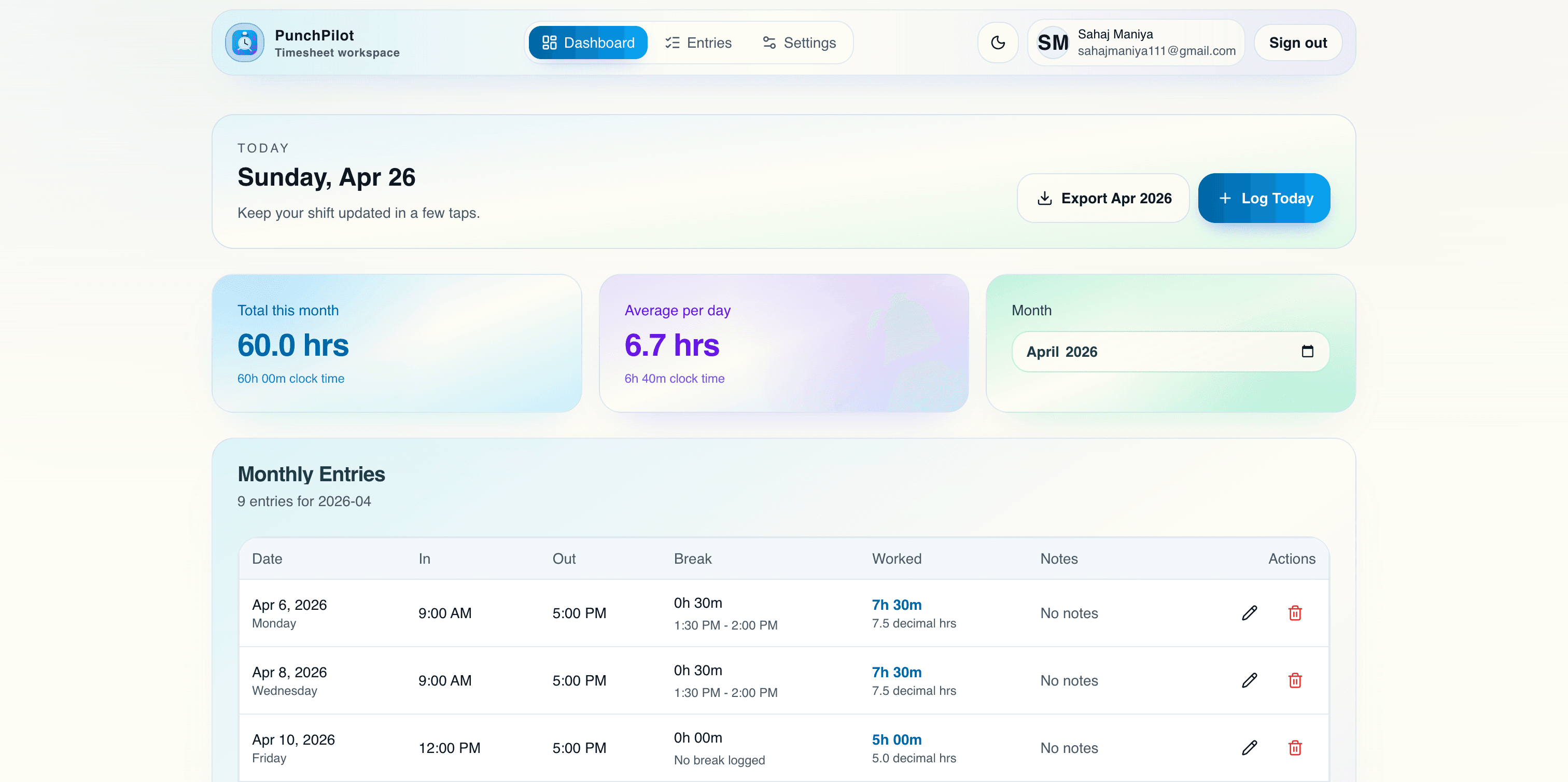
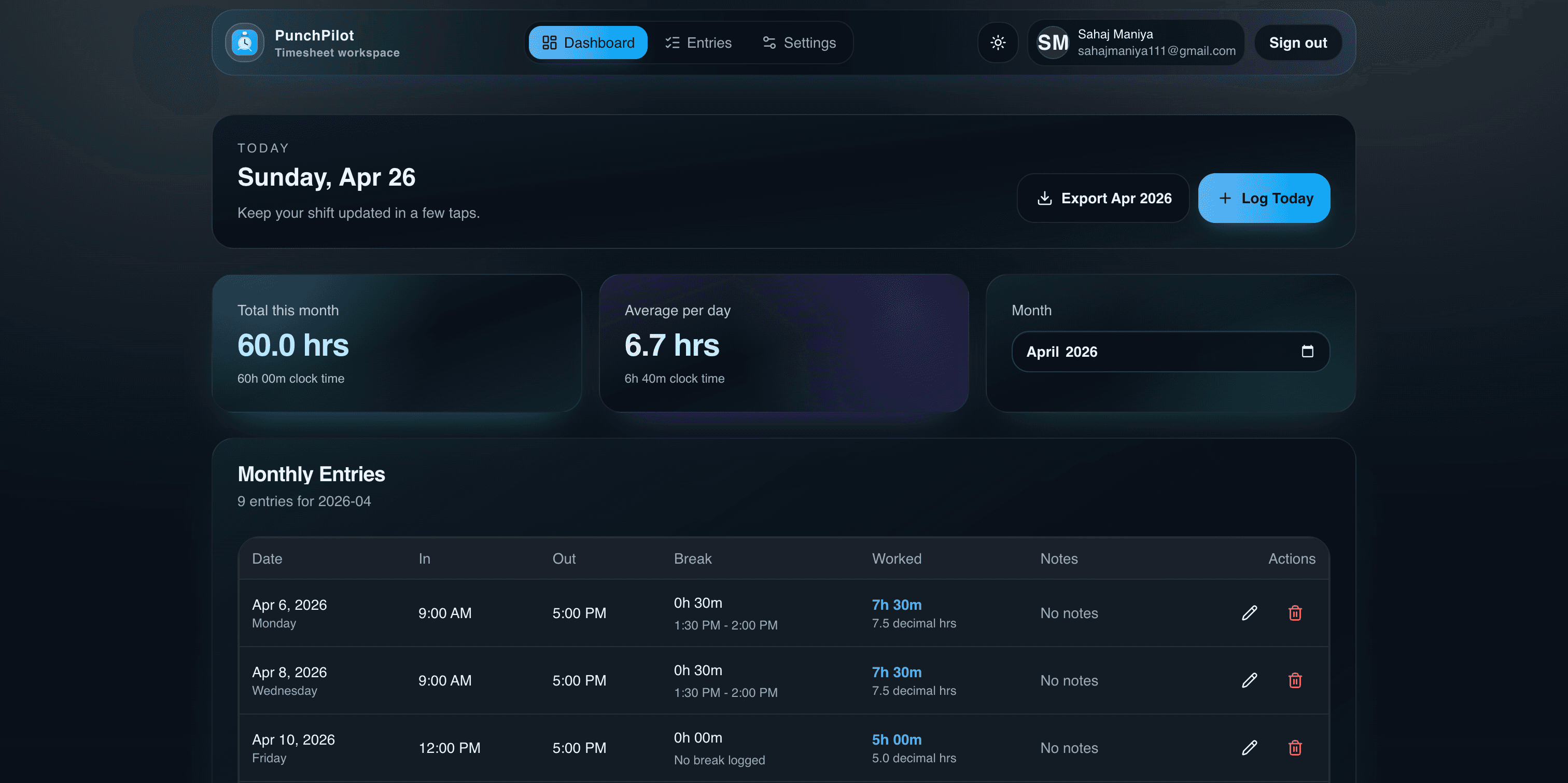
From daily entry tracking to monthly reporting, these snapshots show how quickly teams move from logging to submission.
Entries timeline view
Review daily rows with in/out time, breaks, and worked-hour totals.
Dashboard summary view
Track monthly totals, progress indicators, and activity patterns in one place.
Security & Privacy
Each account accesses only its own timesheet data through authenticated routes. Exports are generated on-demand from your entries, helping keep submissions accurate and private.
FAQ
Common questions about layouts, exports, and mobile use so you can launch your workflow confidently.
Get StartedYes. PunchPilot supports role-based generation so SA and ISA workflows can differ cleanly.
Yes. The app is responsive and optimized for phone, tablet, and desktop screens.
Yes. You can export monthly entries to CSV and generate PDF output from tracked records.